 DeepSider: Browser Extension, Install and Use
What Is It
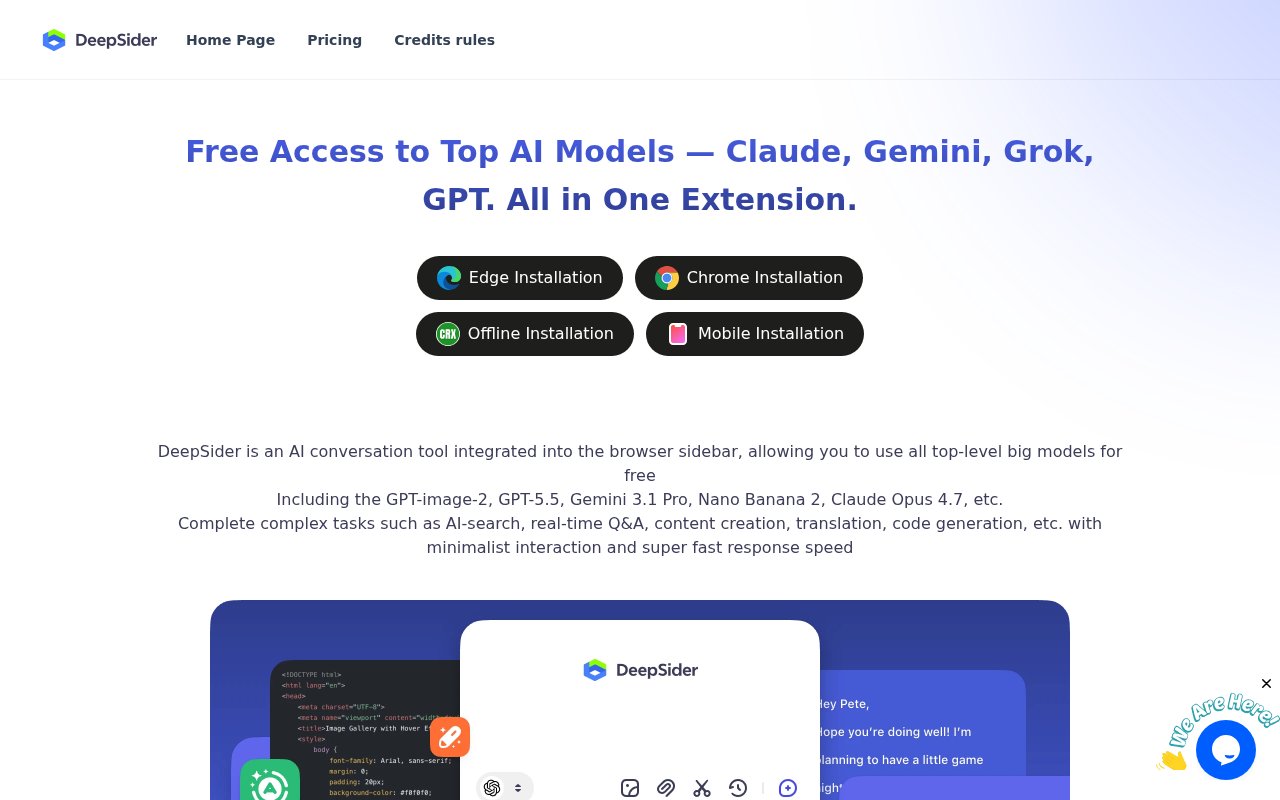
DeepSider is a browser sidebar extension for Chrome and Edge. Once installed, you can access AI models directly from any webpage, including Google Gemini.
Free Tier
- 30 queries per day (resets at UTC 00:00)
- Supports all basic models: GPT-4o-mini, Claude 3 Haiku, Gemini 1.5 Flash, etc.
- No credit card needed, just sign up
- No VPN needed
How to Install
- Visit deepsider.ai
- Click "Get Extension"
- Choose Chrome or Edge
- Login with Google or GitHub
Supported Models (Free)
- OpenAI: GPT-4o-mini, GPT-3.5-turbo
- Anthropic: Claude 3 Haiku
- Google: Gemini 1.5 Flash, Gemini 1.0 Pro
- Meta: Llama 3.1 (8B, 70B, 405B)
- Mistral: Mistral-7B, Mixtral-8x7B
Who Is It For
- Quick research and Q&A
- Trying multiple AI models
- Users who want easy access without VPN
Other Free Channels
Besides DeepSider, there are other ways to use Gemini for free:
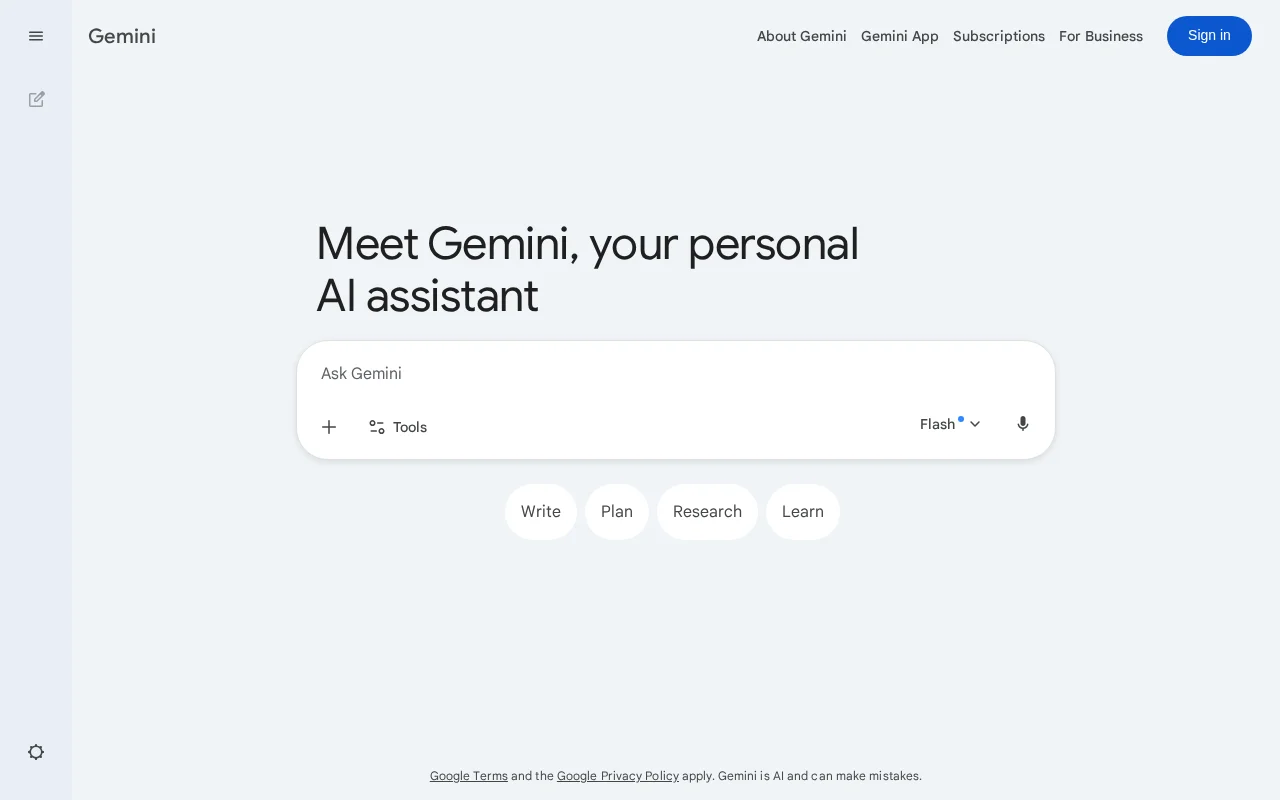
- Google Gemini Official - gemini.google.com, has free tier (VPN required)
- Google AI Studio - aistudio.google.com, official lab (VPN required)
- Antigravity IDE - Google's new coding tool with Gemini 3.0 Pro (VPN required)
- LMArena - Model testing platform, free (VPN required)
- ZenMux - Chinese aggregation platform, free
Which One to Choose?
| Need | Recommended Tool |
|---|---|
| Daily Q&A, no VPN | DeepSider |
| Coding, have VPN | Antigravity IDE |
| Try multiple models | DeepSider |
| Learning AI | Google AI Studio |
Final Thoughts
DeepSider is currently the best option for users in China who want to use Gemini without VPN. Other channels mostly require VPN access.
I recommend installing DeepSider first - it's likely enough for most needs.